四元数 Quaternion 基础与前端 3D 姿态插值:避免万向节死锁
四元数 Quaternion 基础与前端 3D 姿态插值:避免万向节死锁
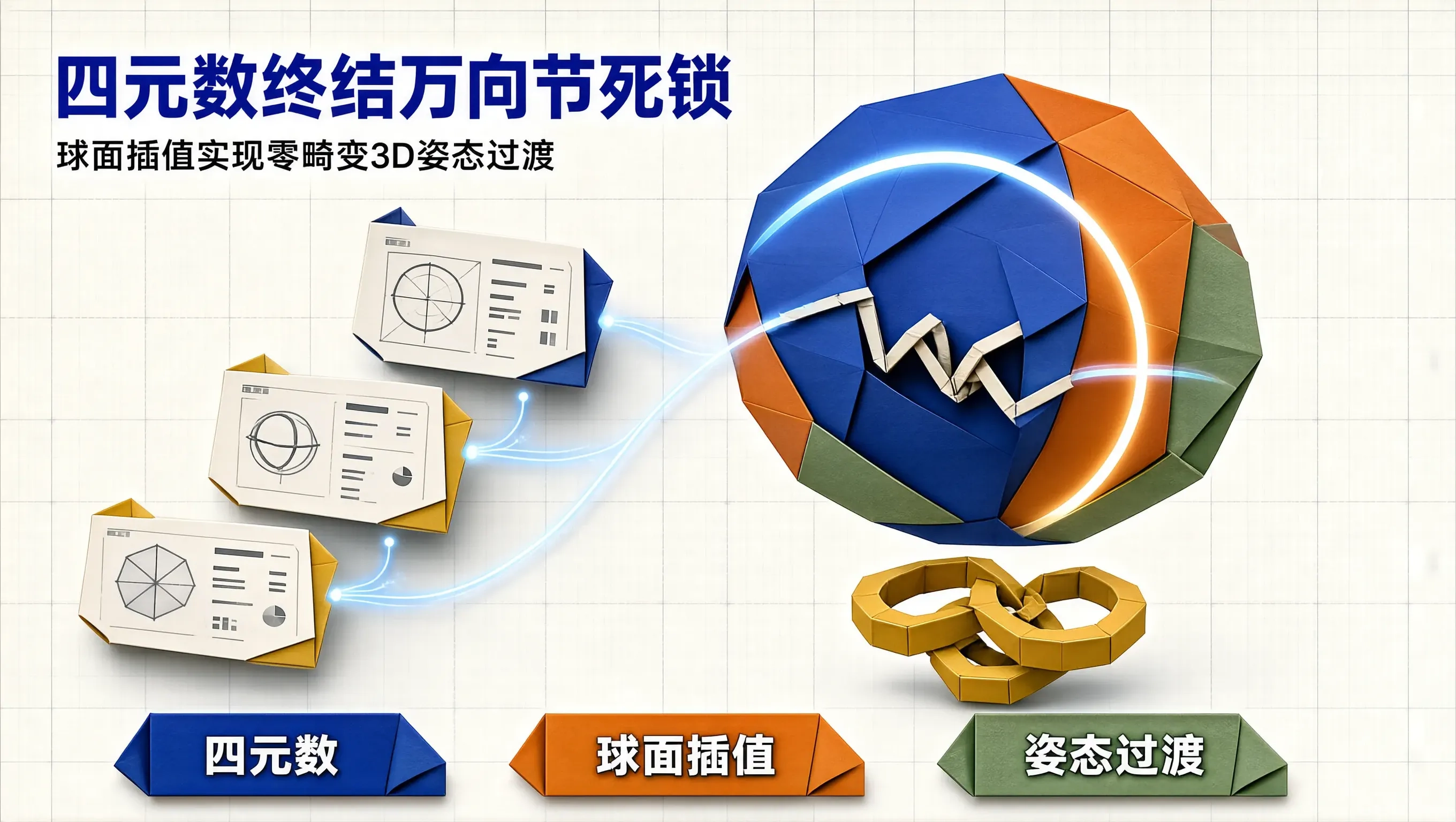
在 Web 3D 动效、三维模型展示(如产品 360 度交互预览)或复杂的立体相机运镜开发中,旋转插值(Rotation Interpolation)是最核心的数学地基。
许多初涉 3D 的前端开发者习惯使用传统的**欧拉角(Euler Angles,即分别围绕 X、Y、Z 轴旋转的 Pitch, Yaw, Roll)**来表示旋转。然而,当旋转角度接近某个特定姿态(例如围绕 Y 轴旋转到 $\pm 90^\circ$)时,系统会突然发生令人崩溃的“万向节死锁(Gimbal Lock)”——三维空间中的一个自由度瞬间丢失,物体在旋转过渡时发生剧烈、诡异的打滚与翻转畸变。
1843 年,爱尔兰数学家哈密顿(William Rowan Hamilton)发明的 四元数(Quaternion),是计算机图形学彻底终结万向节死锁、实现超平滑三维姿态插值的终极数学工具。
本文将深入拆解四元数的代数结构,推导经典的 球面线性插值(Spherical Linear Interpolation, Slerp) 算法,并演示如何将其转换为前端 CSS matrix3d() 实现零死锁的平滑 3D 姿态过渡。
为什么欧拉角一定会发生万向节死锁?
欧拉角是用三个依次进行的内旋(Intrinsic Rotations)来定义姿态的(例如按 $Z \to X \to Y$ 顺序旋转)。
当中间轴(假设为 X 轴)旋转到 $90^\circ$ 时:
- 原本垂直于 X 轴的 Z 轴旋转平面,与随后的 Y 轴旋转平面发生了完全重合!
- 此时,围绕 Z 轴的旋转和围绕 Y 轴的旋转实际上在做同一种运动,三维空间退化成了二维空间,丢失了一个旋转维度。
- 当你试图在两个姿态之间做线性插值时,物体不得不沿奇异点“绕远路”疯狂自转,产生明显的抽搐。
四元数的代数定义与几何本质
一个四元数 $\mathbf{q}$ 可以看作是由一个实部 $w$ 与三个虚部 $(x, y, z)$ 构成的超复数:
$$\mathbf{q} = w + x\mathbf{i} + y\mathbf{j} + z\mathbf{k} = [w, \mathbf{v}]$$
其中虚数单位满足著名的哈密顿乘法法则:
$$\mathbf{i}^2 = \mathbf{j}^2 = \mathbf{k}^2 = \mathbf{i}\mathbf{j}\mathbf{k} = -1$$
在三维空间中,任意一个三维旋转都可以唯一表示为围绕空间中某一单位轴 $\mathbf{u} = (u_x, u_y, u_z)$ 旋转 $\theta$ 角度(欧拉旋转定理)。对应的**单位四元数(Unit Quaternion)**表示为:
$$\mathbf{q} = \left[ \cos\left(\frac{\theta}{2}\right), \mathbf{u} \cdot \sin\left(\frac{\theta}{2}\right) \right] = \left[ \cos\frac{\theta}{2}, u_x\sin\frac{\theta}{2}, u_y\sin\frac{\theta}{2}, u_z\sin\frac{\theta}{2} \right]$$
四元数在四维超球面上是一个单位球面,完全不受任何特定坐标轴顺序的约束,天然免疫万向节死锁!
// quaternion.ts 纯 TypeScript 四元数数学类
export class Quaternion {
  public w: number;
  public x: number;
  public y: number;
  public z: number;

  constructor(w: number = 1, x: number = 0, y: number = 0, z: number = 0) {
    this.w = w;
    this.x = x;
    this.y = y;
    this.z = z;
  }

  // 从轴角 (Axis-Angle) 构建单位四元数
  public static fromAxisAngle(axis: { x: number; y: number; z: number }, rad: number): Quaternion {
    const halfRad = rad / 2;
    const s = Math.sin(halfRad);
    return new Quaternion(
      Math.cos(halfRad),
      axis.x * s,
      axis.y * s,
      axis.z * s
    );
  }

  // 1. 点积 (Dot Product) - 计算四维夹角
  public dot(q: Quaternion): number {
    return this.w * q.w + this.x * q.x + this.y * q.y + this.z * q.z;
  }

  // 2. 球面线性插值 (Slerp) 核心算法
  public static slerp(qa: Quaternion, qb: Quaternion, t: number): Quaternion {
    let cosHalfTheta = qa.dot(qb);

    // 若点积为负,反转一个四元数以选择最短球面路径 (Shortest Arc)
    let qbCorrected = qb;
    if (cosHalfTheta < 0) {
      qbCorrected = new Quaternion(-qb.w, -qb.x, -qb.y, -qb.z);
      cosHalfTheta = -cosHalfTheta;
    }

    // 若两四元数极其接近,退化为普通线性插值 (避免除以零)
    if (Math.abs(cosHalfTheta) >= 0.9995) {
      return new Quaternion(
        qa.w + t * (qbCorrected.w - qa.w),
        qa.x + t * (qbCorrected.x - qa.x),
        qa.y + t * (qbCorrected.y - qa.y),
        qa.z + t * (qbCorrected.z - qa.z)
      ).normalize();
    }

    const halfTheta = Math.acos(cosHalfTheta);
    const sinHalfTheta = Math.sqrt(1.0 - cosHalfTheta * cosHalfTheta);

    const ratioA = Math.sin((1 - t) * halfTheta) / sinHalfTheta;
    const ratioB = Math.sin(t * halfTheta) / sinHalfTheta;

    return new Quaternion(
      qa.w * ratioA + qbCorrected.w * ratioB,
      qa.x * ratioA + qbCorrected.x * ratioB,
      qa.y * ratioA + qbCorrected.y * ratioB,
      qa.z * ratioA + qbCorrected.z * ratioB
    );
  }

  public normalize(): this {
    const len = Math.hypot(this.w, this.x, this.y, this.z) || 1;
    this.w /= len;
    this.x /= len;
    this.y /= len;
    this.z /= len;
    return this;
  }

  // 3. 转换为标准 CSS matrix3d 矩阵
  public toCssMatrix3D(): string {
    const { w, x, y, z } = this;
    const m11 = 1 - 2 * (y * y + z * z);
    const m12 = 2 * (x * y + w * z);
    const m13 = 2 * (x * z - w * y);

    const m21 = 2 * (x * y - w * z);
    const m22 = 1 - 2 * (x * x + z * z);
    const m23 = 2 * (y * z + w * x);

    const m31 = 2 * (x * z + w * y);
    const m32 = 2 * (y * z - w * x);
    const m33 = 1 - 2 * (x * x + y * y);

    return `matrix3d(
      ${m11.toFixed(5)}, ${m12.toFixed(5)}, ${m13.toFixed(5)}, 0,
      ${m21.toFixed(5)}, ${m22.toFixed(5)}, ${m23.toFixed(5)}, 0,
      ${m31.toFixed(5)}, ${m32.toFixed(5)}, ${m33.toFixed(5)}, 0,
      0, 0, 0, 1
    )`;
  }
}
实战应用:平滑 3D 姿态插值控制器
// 姿态插值演示
const startRot = Quaternion.fromAxisAngle({ x: 0, y: 1, z: 0 }, 0); // 初始状态
const targetRot = Quaternion.fromAxisAngle({ x: 1, y: 1, z: 0 }, (120 * Math.PI) / 180); // 目标倾斜姿态

const cardEl = document.getElementById('product3dCard')!;
let progress = 0;

function animateOrientation() {
  progress += 0.01;
  if (progress > 1) progress = 1;

  // 使用 Slerp 球面插值计算当前帧四元数
  const currentQ = Quaternion.slerp(startRot, targetRot, progress);
  cardEl.style.transform = currentQ.toCssMatrix3D();

  if (progress < 1) {
    requestAnimationFrame(animateOrientation);
  }
}
总结
四元数是人类数学史上最优雅的创造之一。通过在四维空间超球面上执行 Slerp 球面线性插值,我们彻底斩断了欧拉角万向节死锁的魔咒,让三维物体在任意空间朝向之间的过渡,都呈现出如同在无重力太空中漂浮般丝滑、恒定且毫无畸变的纯粹几何之美。

openEuler 是由开放原子开源基金会孵化的全场景开源操作系统项目,面向数字基础设施四大核心场景(服务器、云计算、边缘计算、嵌入式),全面支持 ARM、x86、RISC-V、loongArch、PowerPC、SW-64 等多样性计算架构
更多推荐



 0
0 0
0- 0


 已为社区贡献10条内容

所有评论(0)